
UI tour
This page follows a runbook consumer who opens the lambda sample runbook. Their goal is to launch an AWS Lambda function in a way that matches their organization’s standards.
There is a written walkthrough and a video walkthrough.
Written walkthrough
Section titled “Written walkthrough”The user installs Runbooks, downloads the lambda sample runbook, and opens it:
runbooks open /path/to/lambdaThe Runbooks window opens and renders the runbook.
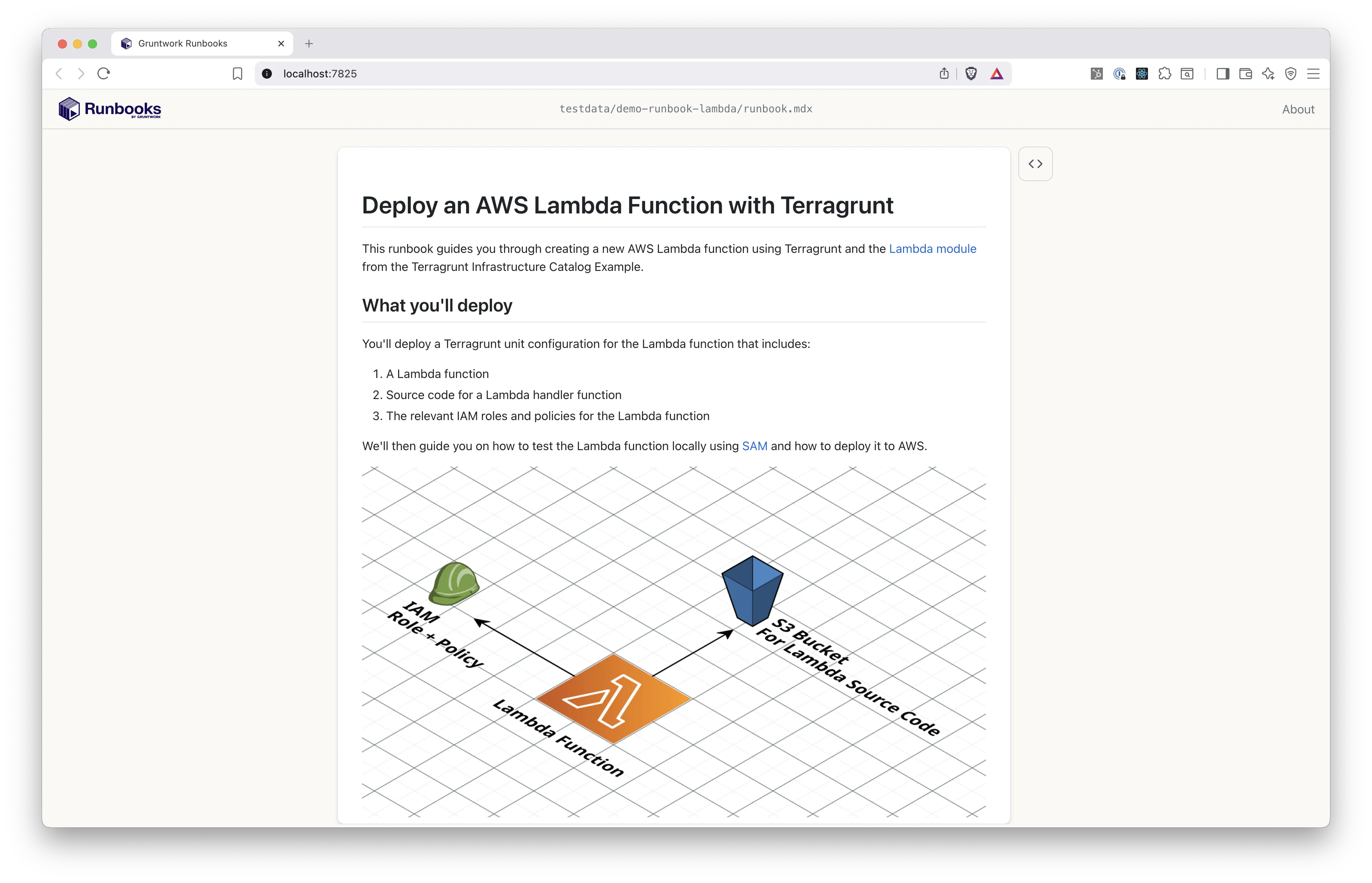
So far the runbook is rendering markdown text.
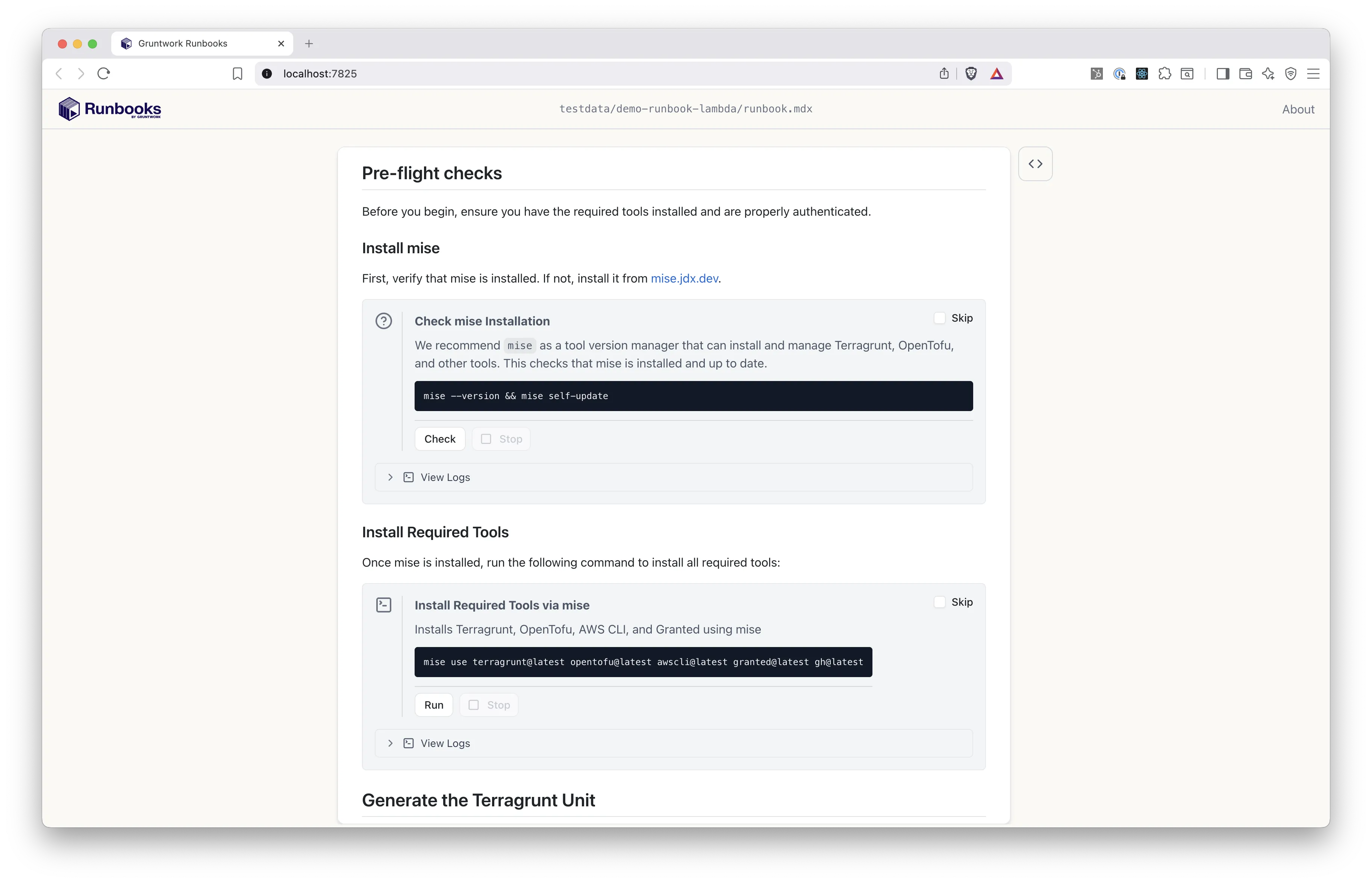
Next come pre-flight checks that confirm the user’s machine has the right tools installed, in this case the mise tool version manager. When the user clicks “Check”, Runbooks runs the command mise --version && mise self-update --yes on their machine.
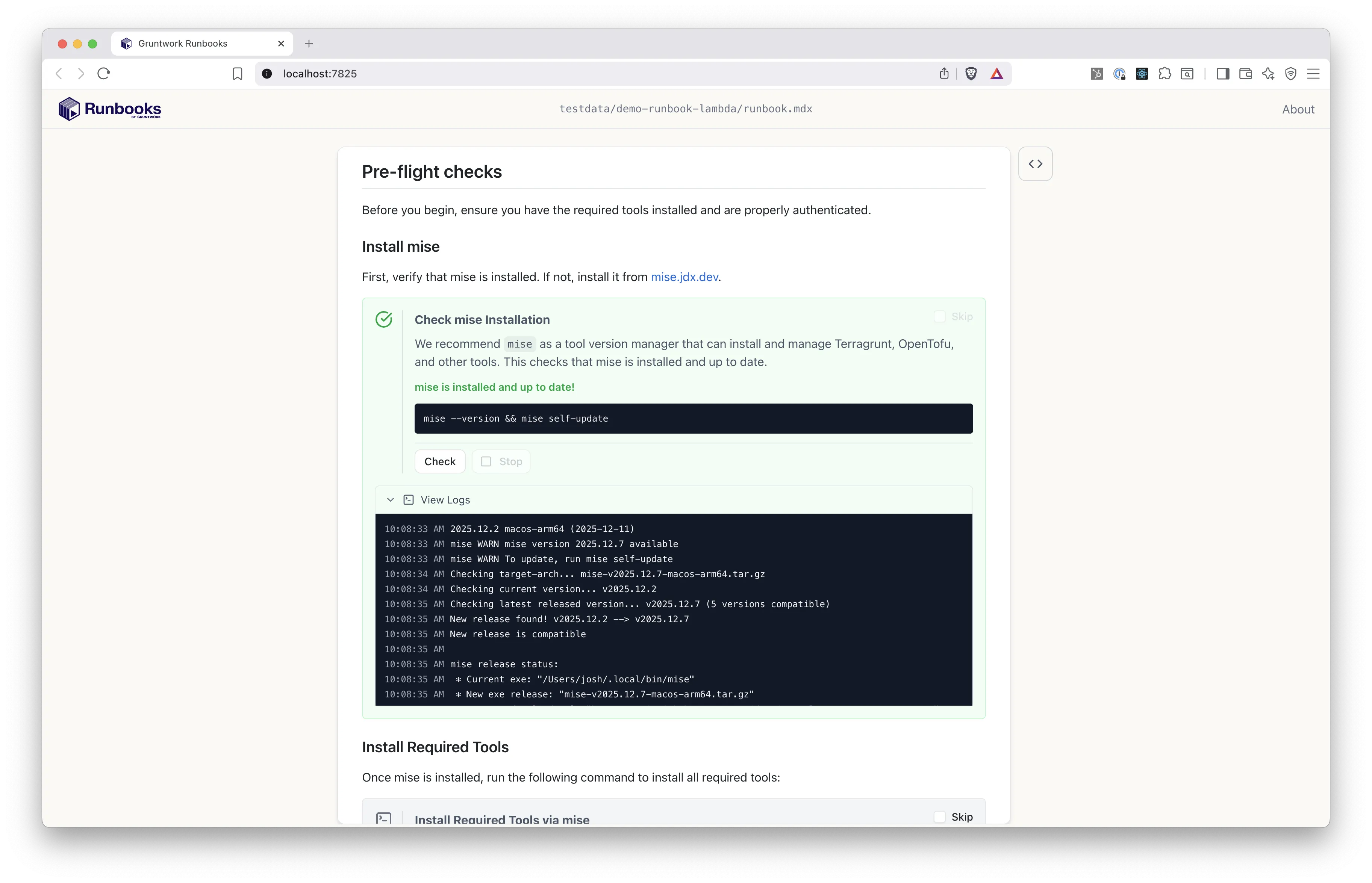
The consumer uses the UI without knowing how the runbook is written. To the author, that first gray box is a Check block, defined like this:
<Check id="check-mise" command="mise --version && mise self-update --yes;" title="Check mise Installation" description="We recommend `mise` as a tool version manager that can install and manage Terragrunt, OpenTofu, and other tools. This checks that mise is installed and up to date." successMessage="mise is installed and up to date!" failMessage="mise is not installed. Install it from https://mise.jdx.dev/getting-started.html"/>Authors declare what they want to happen, and Runbooks renders it as an interactive UI.
Further down, the runbook generates the code needed to launch the Lambda function.
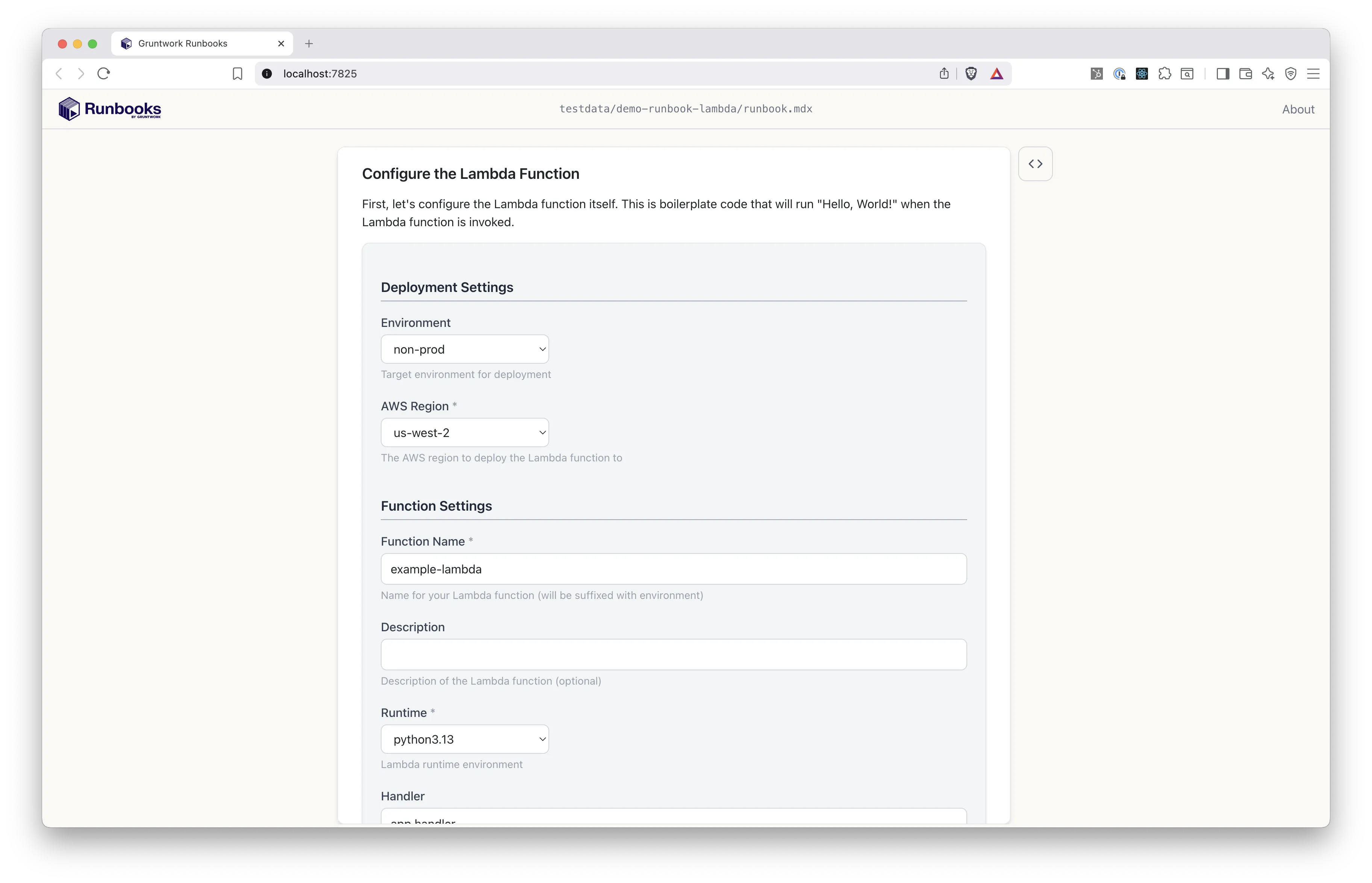
This form comes from a Template block. To collect these values from the user, the author declared a set of variables like this:
variables:  - name: Environment    type: enum    description: Target environment for deployment    options:      - non-prod      - prod    default: non-prod    x-section: Deployment Settings
  - name: AwsRegion    type: enum    options:      - us-east-1      - us-east-2      - us-west-1      - us-west-2      - eu-central-1      - eu-west-1      - eu-west-2    description: The AWS region to deploy the Lambda function to    default: "us-west-2"    validations:      - required    x-section: Deployment Settings
  - name: FunctionName    type: string    description: Name for your Lambda function (will be suffixed with environment)    default: example-lambda    validations:      - required    x-section: Function Settings
  - name: Description    type: string    description: Description of the Lambda function (optional)    x-section: Function Settings
  ...
The user clicks the “Generate” button at the bottom of the form, which the screenshot does not show. Runbooks generates a set of files from the author’s code template, using the values the user entered.
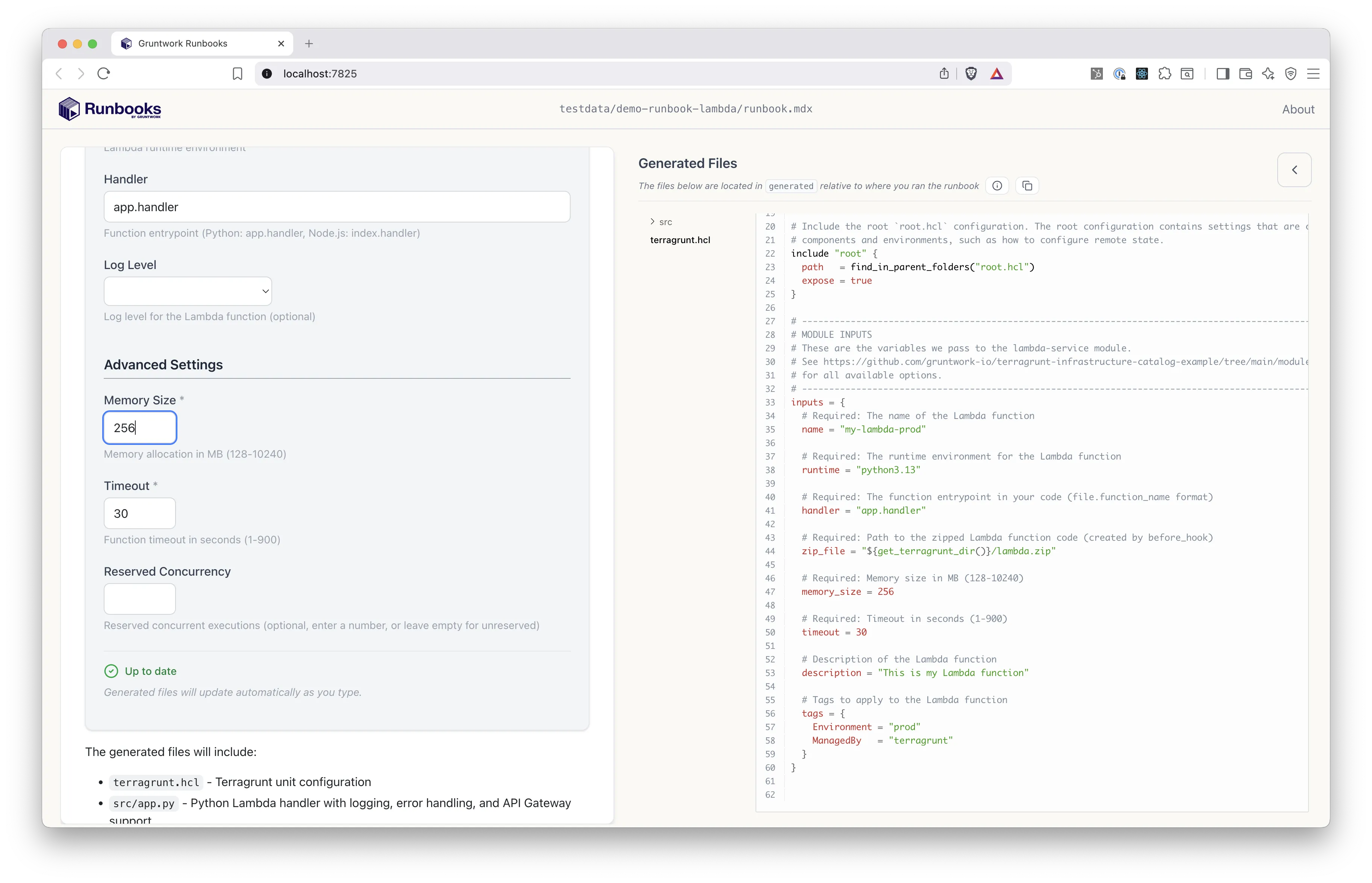
As the user changes values in the form, the rendered files update, so the user sees how each value changes the generated code.
Runbooks writes the generated files to the user’s machine, so a script can open a GitHub pull request with them. This runbook’s author included one.
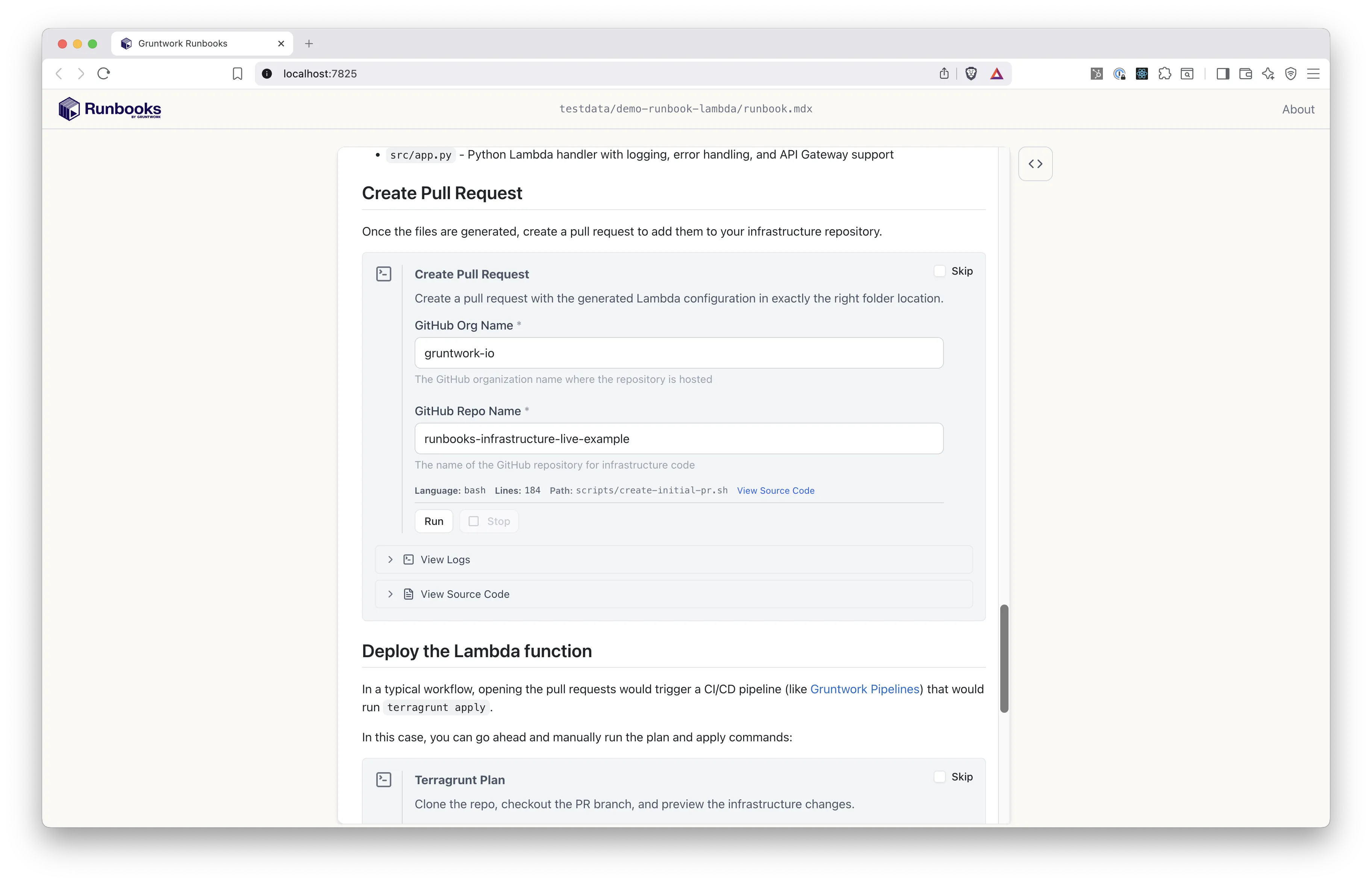
The author used a Command block to create the pull request, and configured it to ask for a GitHub org name and repo name. The script that runs uses those values.
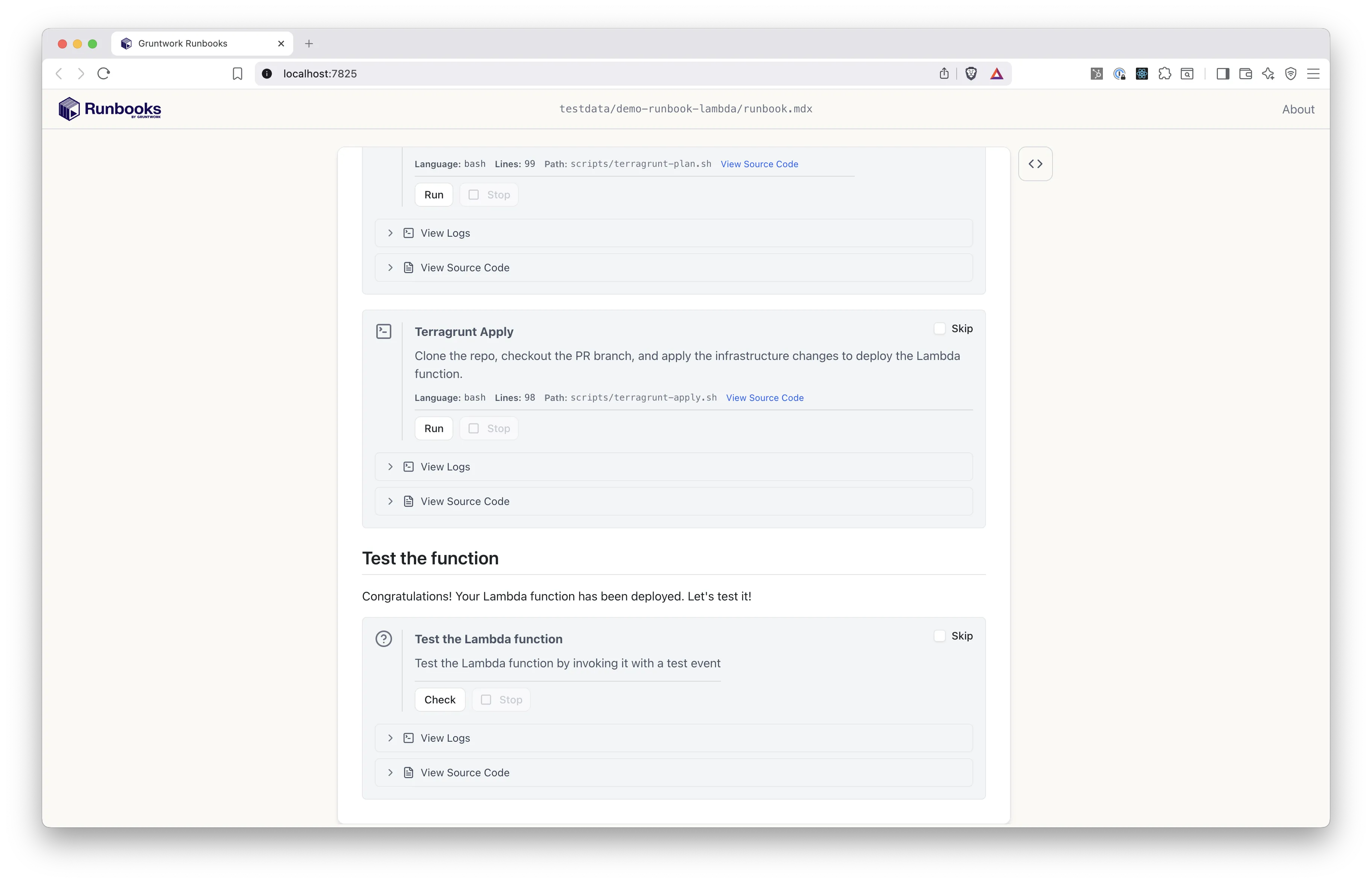
The last block is a Check that validates the Lambda function deployed.
Video walkthrough
Section titled “Video walkthrough”Next, install Runbooks.