
Overview
Gruntwork Runbooks is a desktop app that opens runbooks. A runbook is a markdown document with interactive blocks that collect input, generate files, and run scripts.
Runbooks is open source, built by Gruntwork, and free to use.
What can Runbooks do?
Section titled “What can Runbooks do?”Runbooks loads a runbook file and:
- Renders its markdown text
- Collects user input in forms it generates from the runbook
- Uses the values the user entered to:
- Generate files and folders from templates
- Run scripts
- Run checks
How is Runbooks useful?
Section titled “How is Runbooks useful?”Platform and DevOps engineers often know how to do an infrastructure task that application engineers need done. A runbook lets the platform engineer write that task down once, so the application engineer can complete it without waiting for help.
Runbooks is useful for:
- developer self-service
- setting up landing zones
- documenting internal processes or standard operating procedures
- codifying all the ways to use a given IaC pattern
Learn more by reading about Runbooks use cases.
What does a runbook look like?
Section titled “What does a runbook look like?”runbooks open /path/to/runbook opens a window like this:
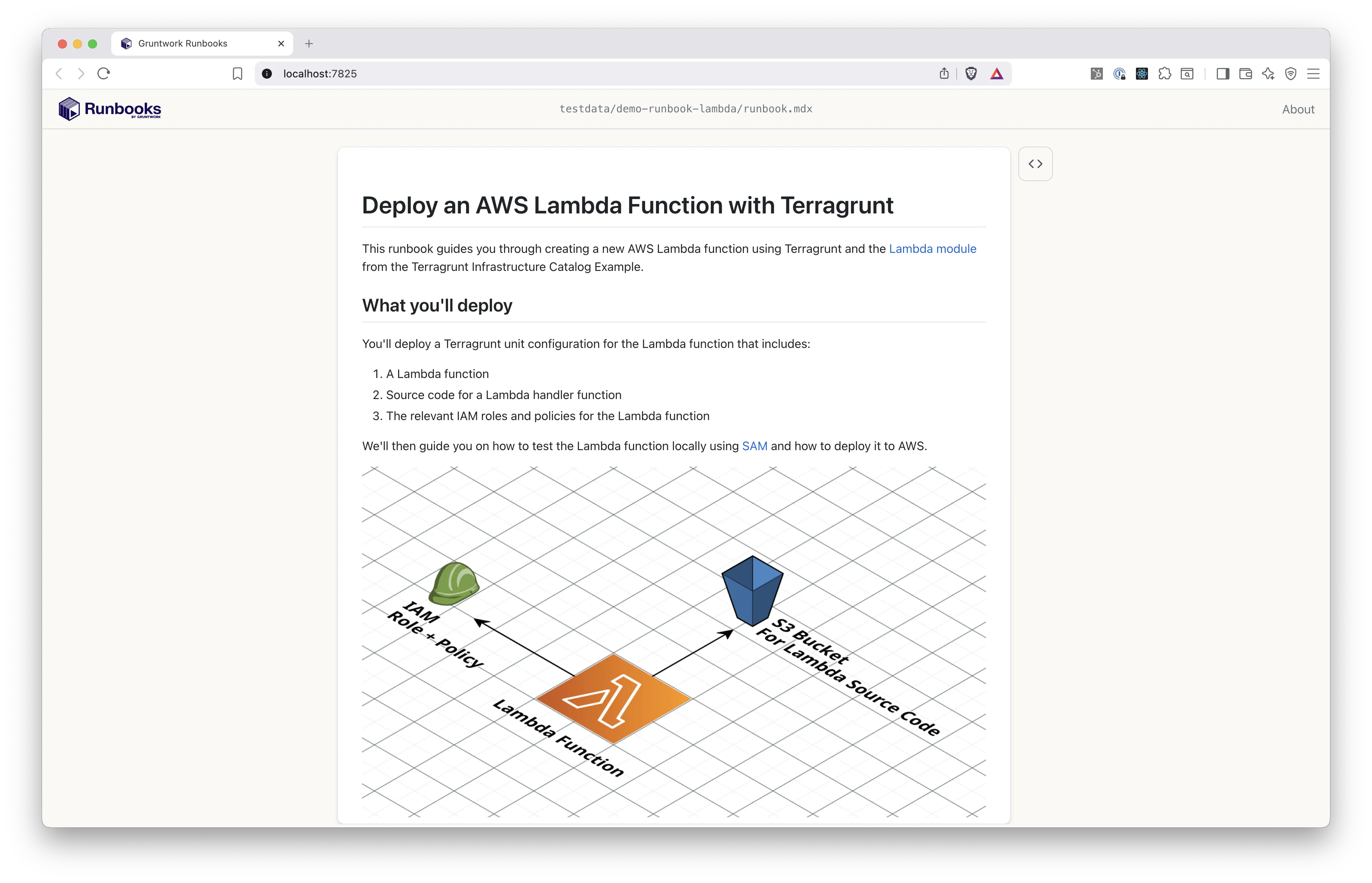
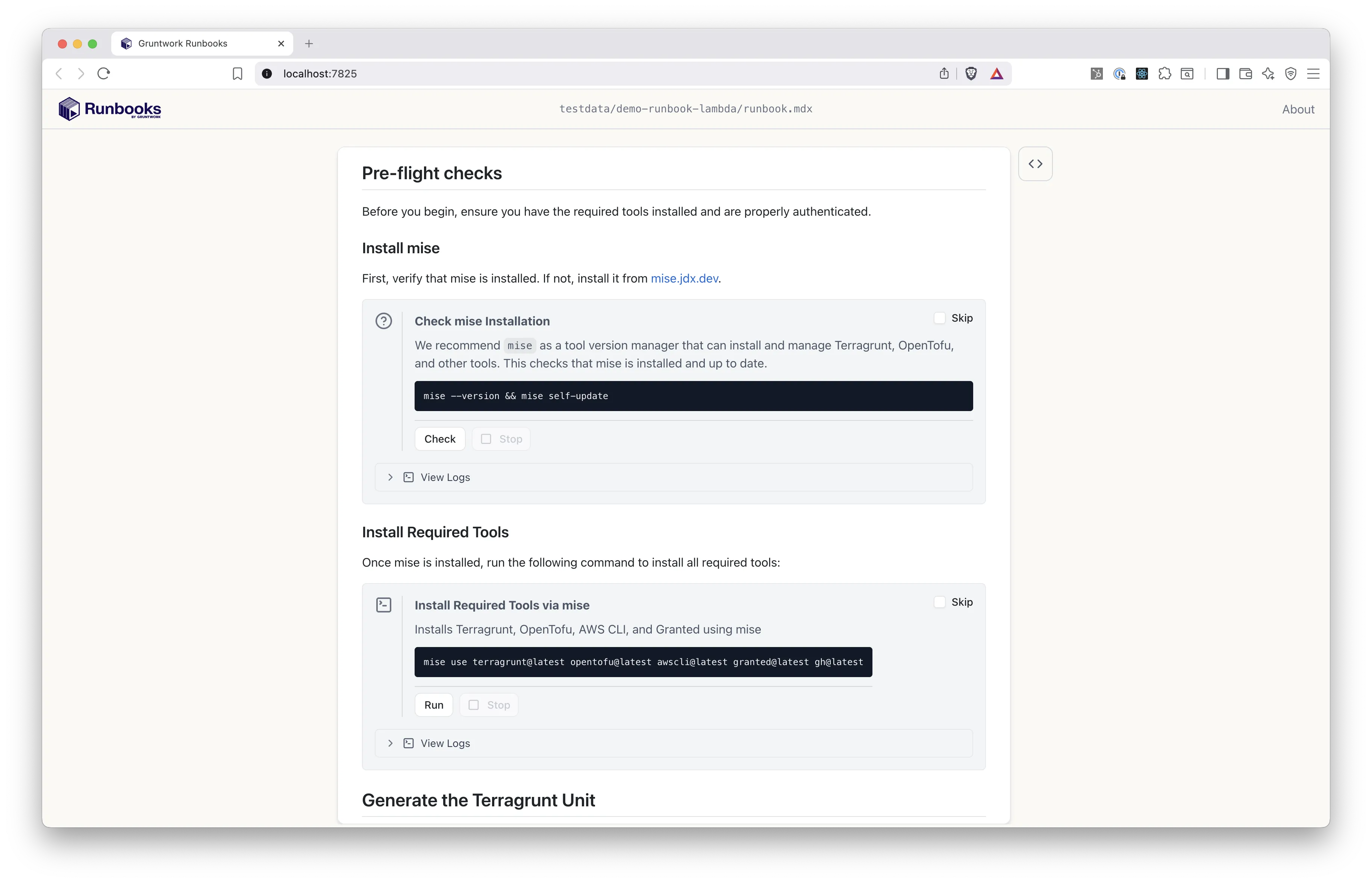
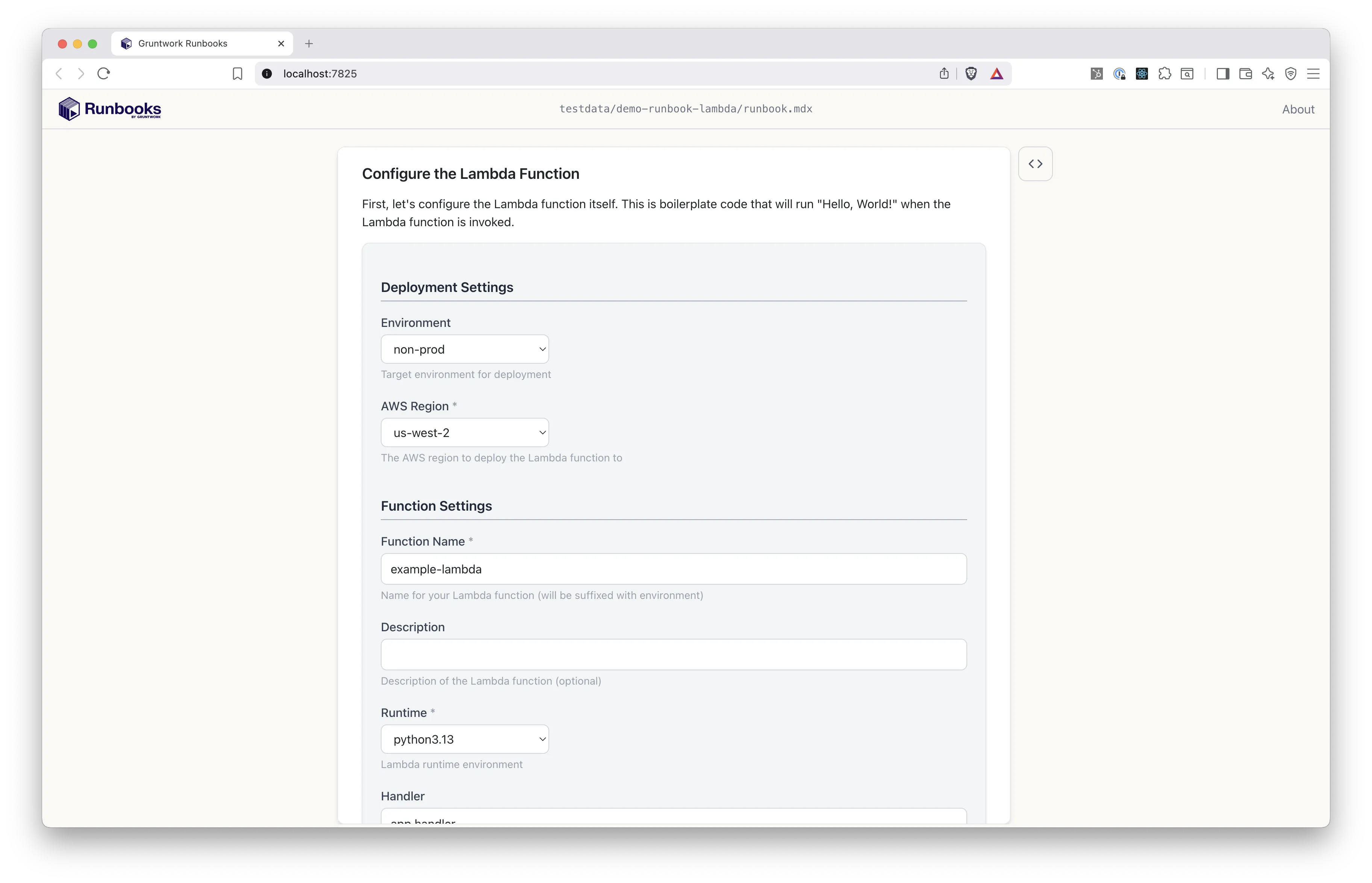
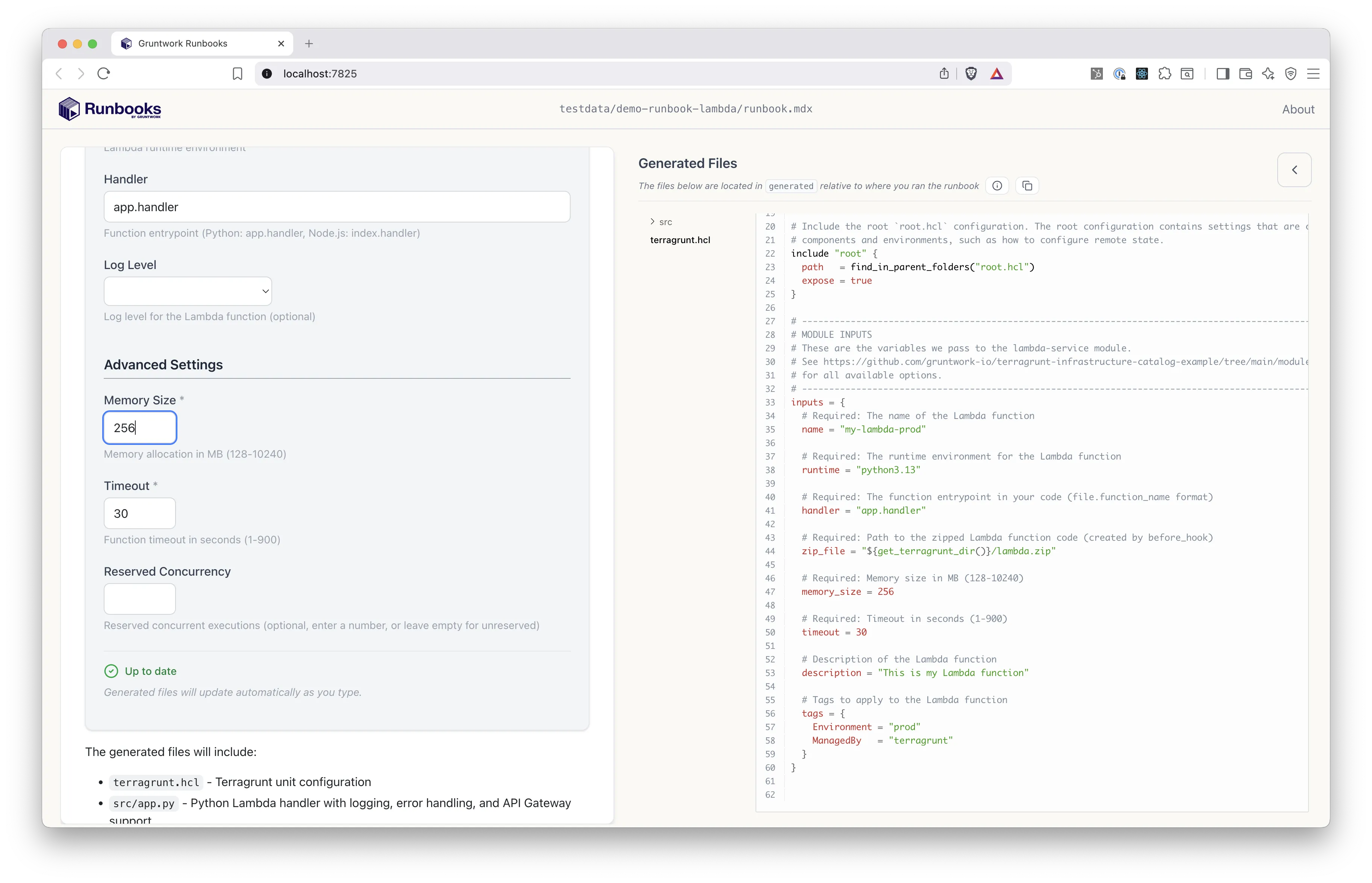
The UI tour walks through these screens.
How is a runbook structured?
Section titled “How is a runbook structured?”A typical runbook directory looks like the file tree below. The file names are arbitrary, but the folder names are conventional.
- runbook.mdx
Directoryassets/
- architecture.jpg
Directorychecks/
- preflight_checks.sh
Directoryscripts/
- install_mise.sh
Directorytemplates/
Directoryconsume_lambda_module/
- boilerplate.yml
- terragrunt.hcl
A runbook.mdx file contains markdown and interactive blocks. Blocks can reference files in the assets/, checks/, scripts/, and templates/ directories. See Authoring Runbooks for the details.
How do you open a runbook?
Section titled “How do you open a runbook?”Runbooks open in the Runbooks desktop app. From the app, choose Open Runbook or Open from URL on the welcome screen. From a terminal, pass runbooks open a local path:
runbooks open /path/to/runbookOr pass it a remote URL, without cloning the repo first:
runbooks open https://github.com/org/repo/tree/main/runbooks/launch-rdsRunbooks supports GitHub and GitLab browser URLs, as well as OpenTofu-style source addresses. See runbooks open for all supported formats and for authentication with private repos.
Next, take the UI tour to see a runbook in use.