
MDX authoring
Markdown plus blocks such as <Check>, <Command> and <Template>.


Authors write MDX
A runbook is an MDX file, which is markdown plus interactive blocks. This one is in the Runbooks repo:
# Deploy a New Service
This runbook guides you through deploying a new microservice to your infrastructure.
## Pre-flight checks
Before we begin, let's verify your local environment is ready.
<Prerequisites id="check-prereqs">```yamltools:  - name: git    version: ">= 2.0"    install: "[Install Git](https://git-scm.com/downloads)"```</Prerequisites>
## Configure your service
<Inputs id="service-config">```yamlvariables:  - name: ServiceName    type: string    default: "my-service"  - name: Environment    type: enum    options: [dev, staging, production]    default: dev  - name: EnableMonitoring    type: bool    default: true```</Inputs>
## Deploy
<Command id="deploy" env={{ SERVICE: "{{ .inputs.ServiceName }}", ENVIRONMENT: "{{ .inputs.Environment }}" }} command='echo "Deploying $SERVICE to $ENVIRONMENT..."' inputsId="service-config" title="Deploy the service" description="Deploys your service to the target environment." successMessage="Service deployed successfully!" failMessage="Deployment failed. Check the logs for details."/>Developers get a guided UI
The Runbooks desktop app renders that MDX. Developers fill out forms, run checks, and execute commands.
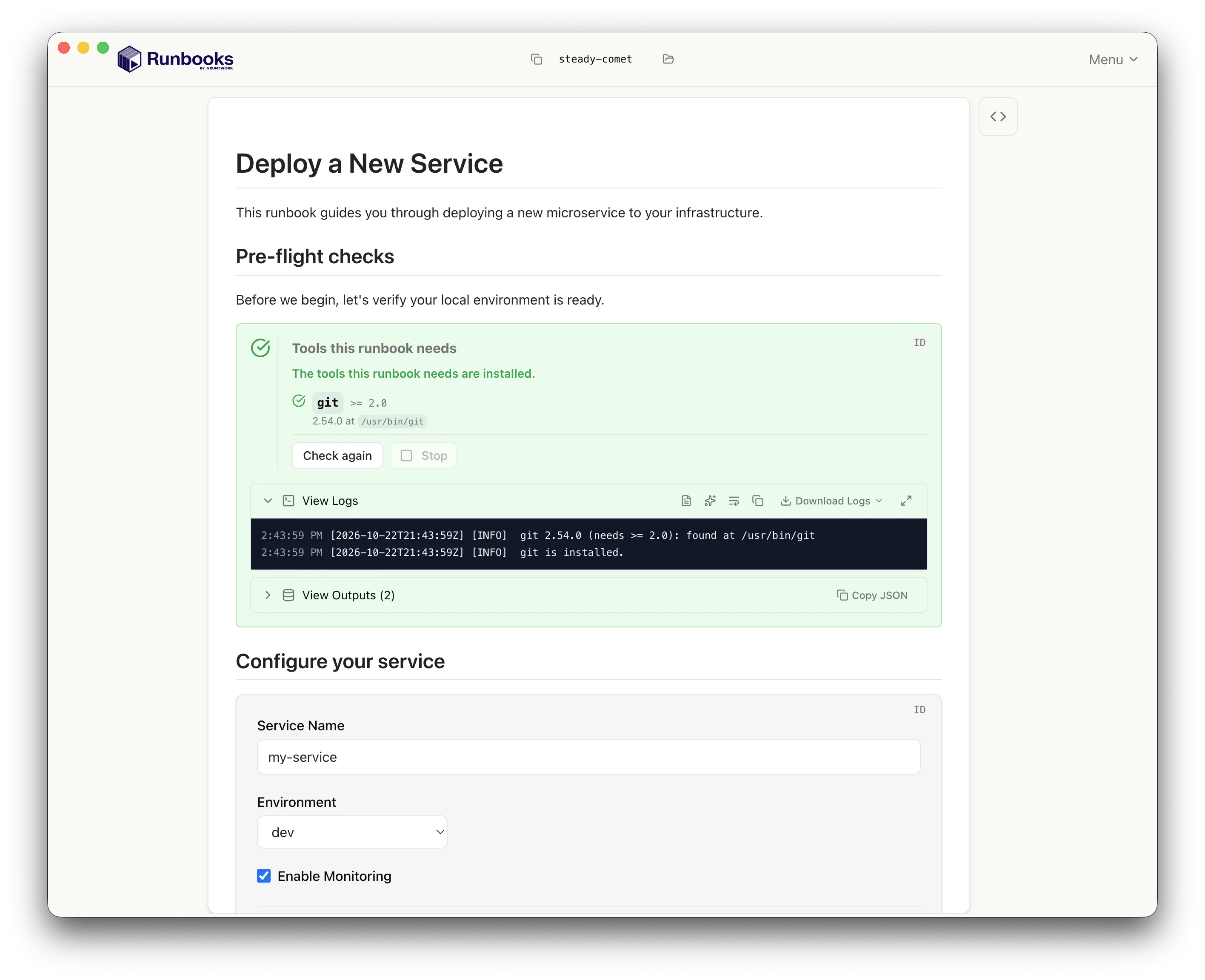
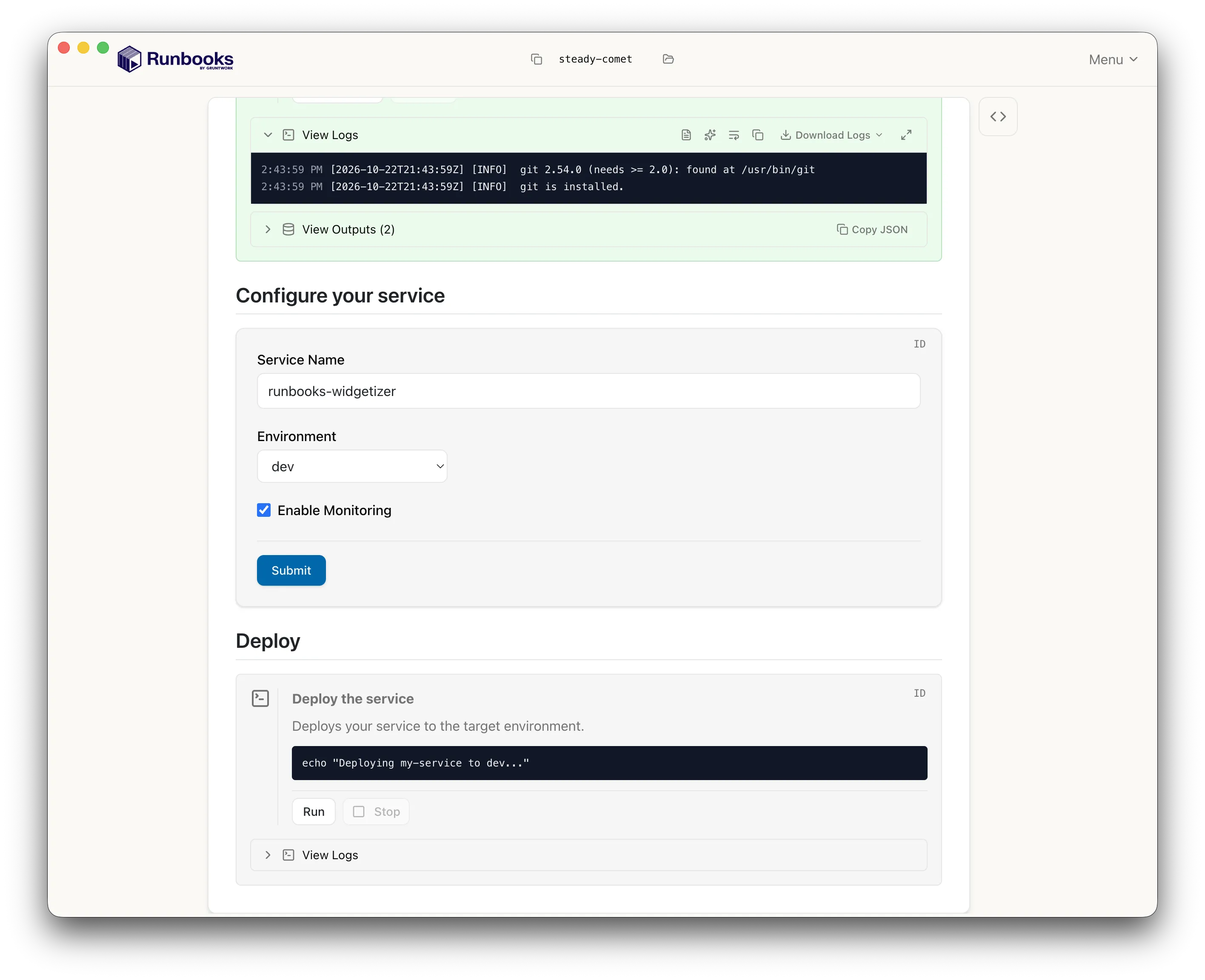
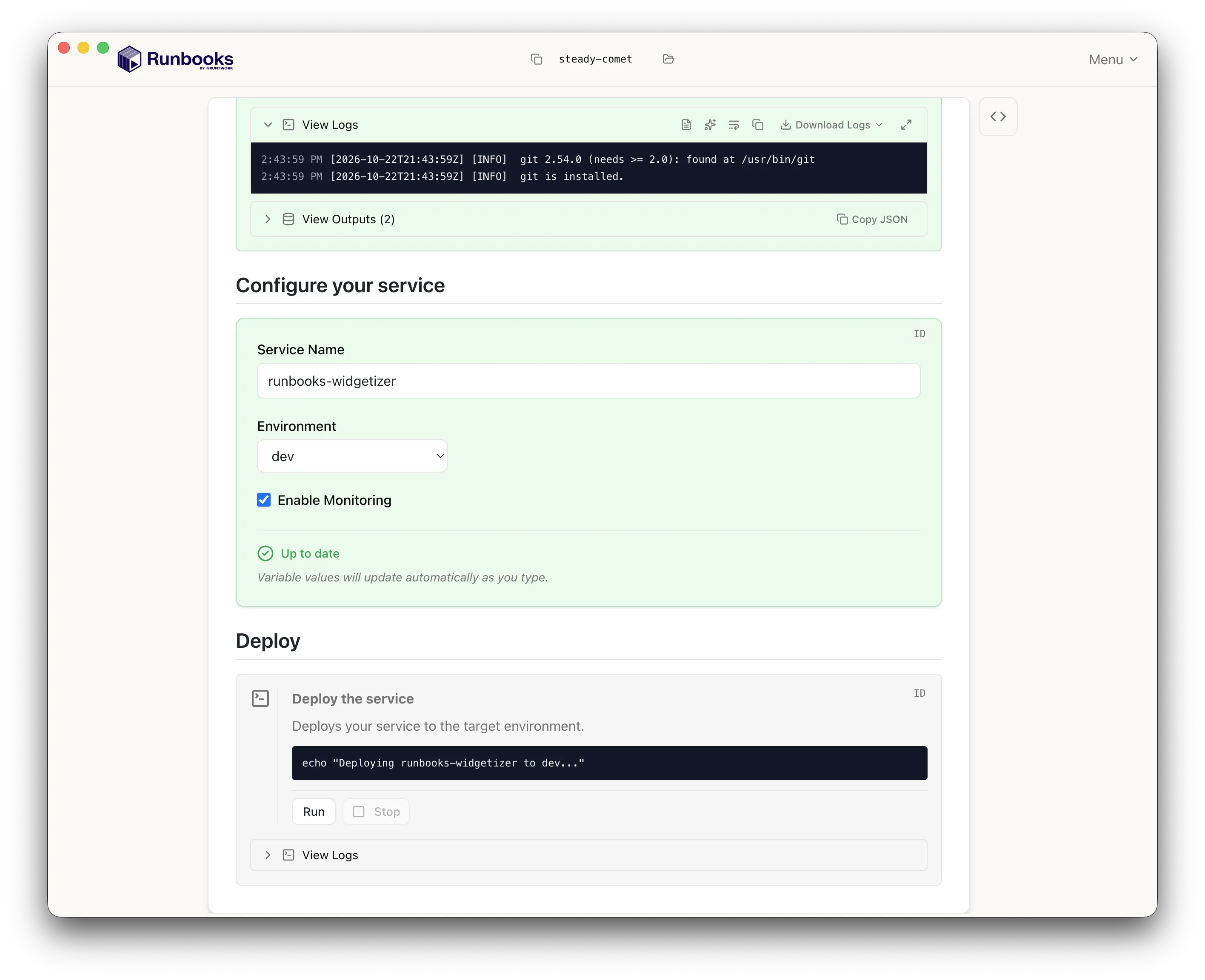
A runbook combines blocks. These are five of them.
A runbook is a runbook.mdx file. Keep it in git next to the infrastructure it documents and review it in pull requests.
MDX authoring
Markdown plus blocks such as <Check>, <Command> and <Template>.
Lives in git
Open a runbook from a local folder or straight from a GitHub or GitLab URL.
Watch mode
runbooks open --watch reloads the runbook in the app each time you save it. Learn more →
The <Template> block renders files from a Gruntwork Boilerplate template using the values a developer enters, previews them in a file tree, and writes them to disk.
Combine <GitClone>, <Template> and <GitHubPullRequest> to clone a repo, generate files into it, and open a pull request.
Boilerplate templates
Generate files and folders from a template. Variables come from form inputs. Learn more →
Inline templates
Define small templates directly in your runbook MDX and give users inline previews. Learn more →
Clone and PR
Clone a repo with <GitClone>, make changes, and open a pull request with <GitHubPullRequest>. Learn more →
File preview
Generated files appear in a file tree with syntax highlighting, so developers can read them before committing.
Gruntwork Runbooks is a desktop app for macOS, Linux and Windows. There is no server to deploy.
Desktop app
Download an installer from the GitHub releases page.
Local execution
Commands and scripts run on the developer’s machine, with the developer’s own credentials.
Open source
Licensed under MPL 2.0. The source is on GitHub.