
Overview
Meet Runbooks!
Section titled “Meet Runbooks!”Runbooks are interactive markdown documents that enable subject matter experts to capture their knowledge and expertise in a way that is easy for others to understand and use.
Runbooks is open source and free to use.
What can Runbooks do?
Section titled “What can Runbooks do?”The Runbooks tool loads individual “runbook files” that:
- Render markdown text
- Collect user input from dynamically generated web forms
- Propagate user-entered values to:
- Generate customized files and folders based on templates
- Run customized scripts
- Run customized “checks”
This collection of primitives — inputs, code templates, scripts, and checks — is a streamlined way to capture expertise and a highly efficient (and enjoyable) way for someone else to consume it.
How is Runbooks useful?
Section titled “How is Runbooks useful?”DevOps and Platform Engineers are often the “expertise bottlenecks” when it comes to enabling their organization to achieve an infrastructure goal.
Historically, there has not been a straightforward way to “capture” this hard-won expertise and make it available to others. And yet platform engineers are often the bottleneck for application engineers or others who depend on them to accomplish infrastructure goals.
In any situation where a “consumer” of expertise is blocked on the “producer” of expertise, Runbooks is an opportunity to free up the expert and empower consumers.
In practice, Runbooks is especially useful for:
- developer self-service
- setting up landing zones
- documenting internal processes or standard operating procedures
- codifying all the ways to use a given IaC pattern
Learn more by reading about Runbooks use cases.
What does a runbook look like?
Section titled “What does a runbook look like?”When a user runs runbooks open /path/to/runbook, here’s a sample of what they’ll see:
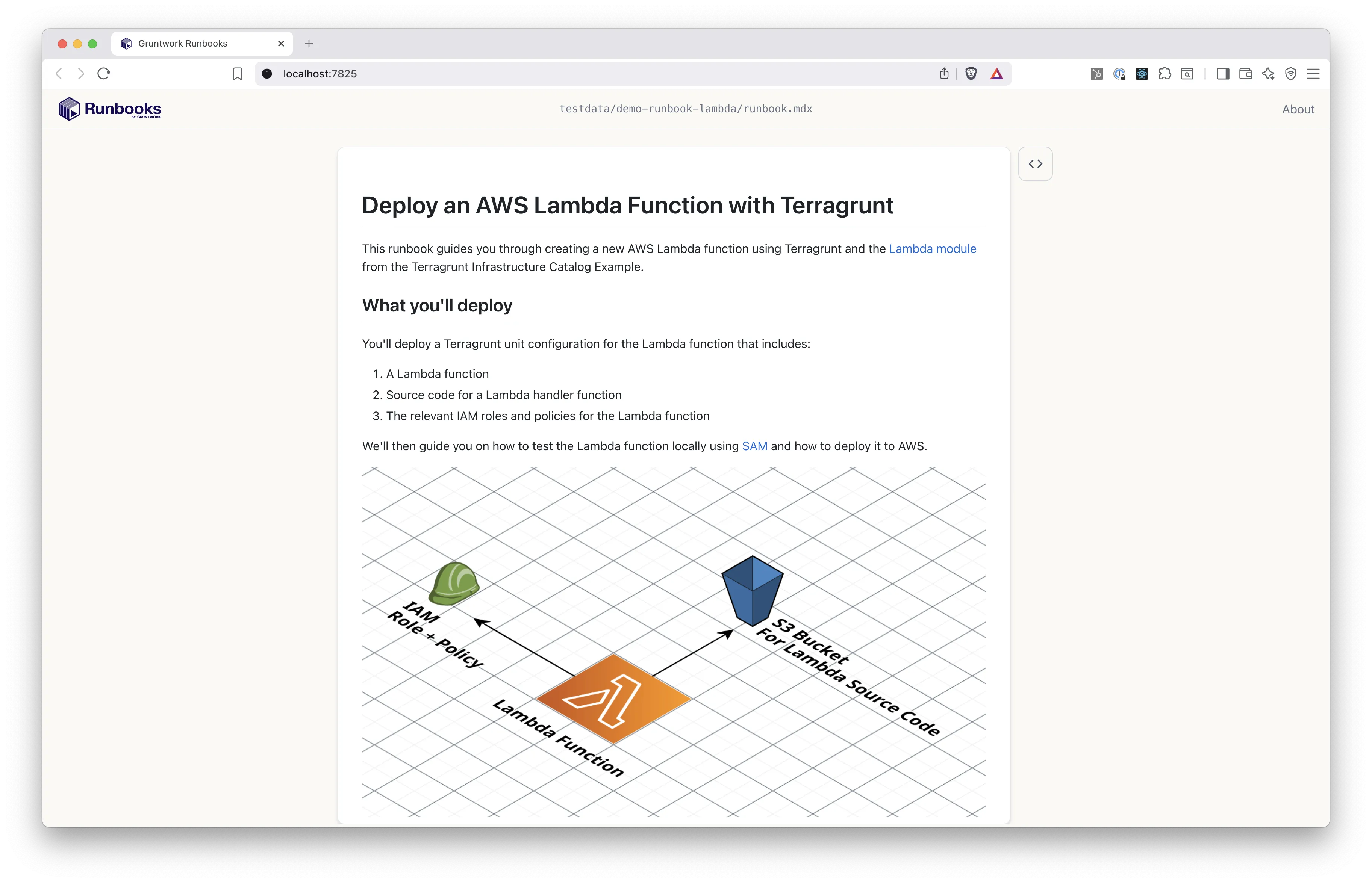
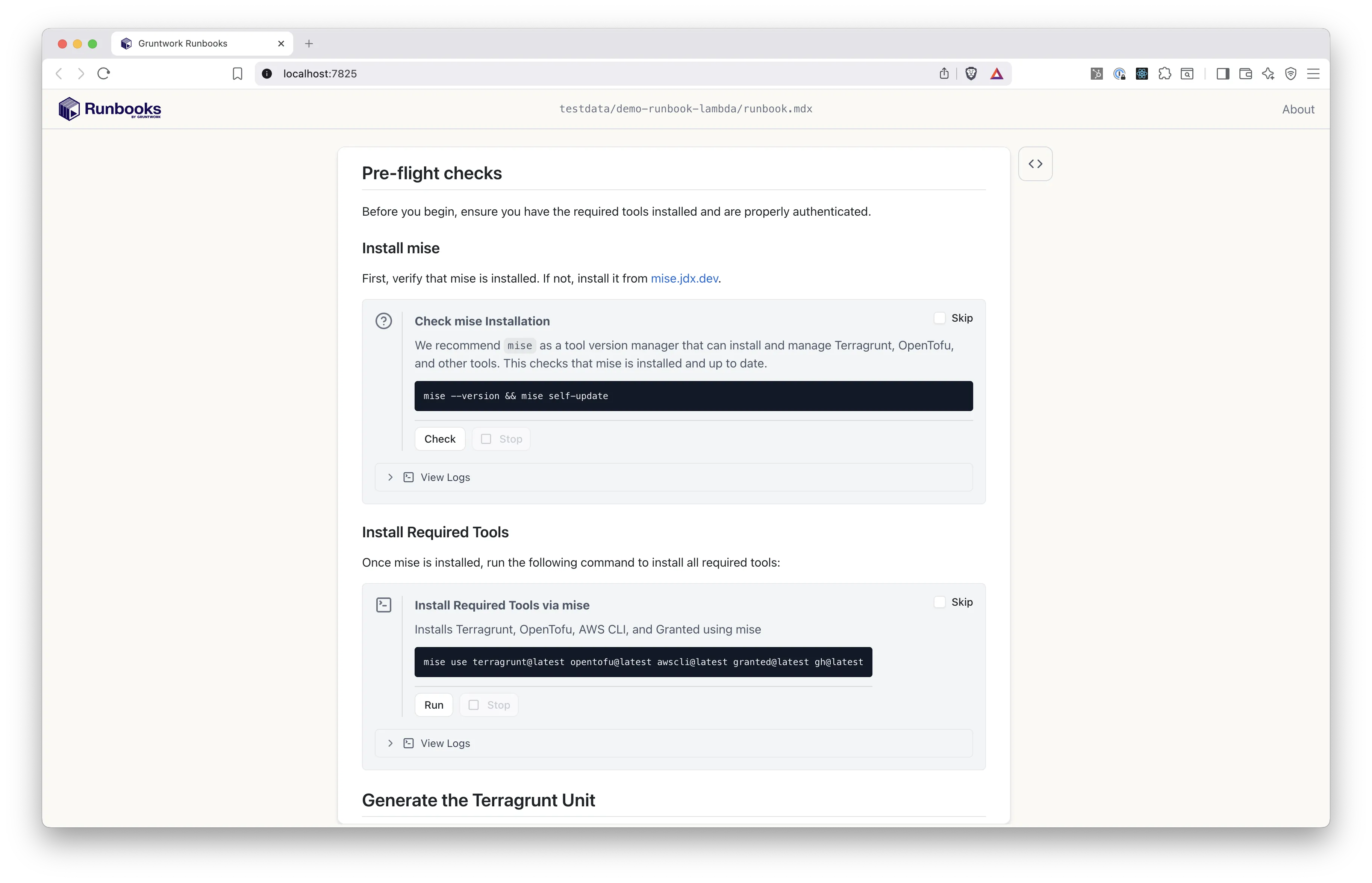
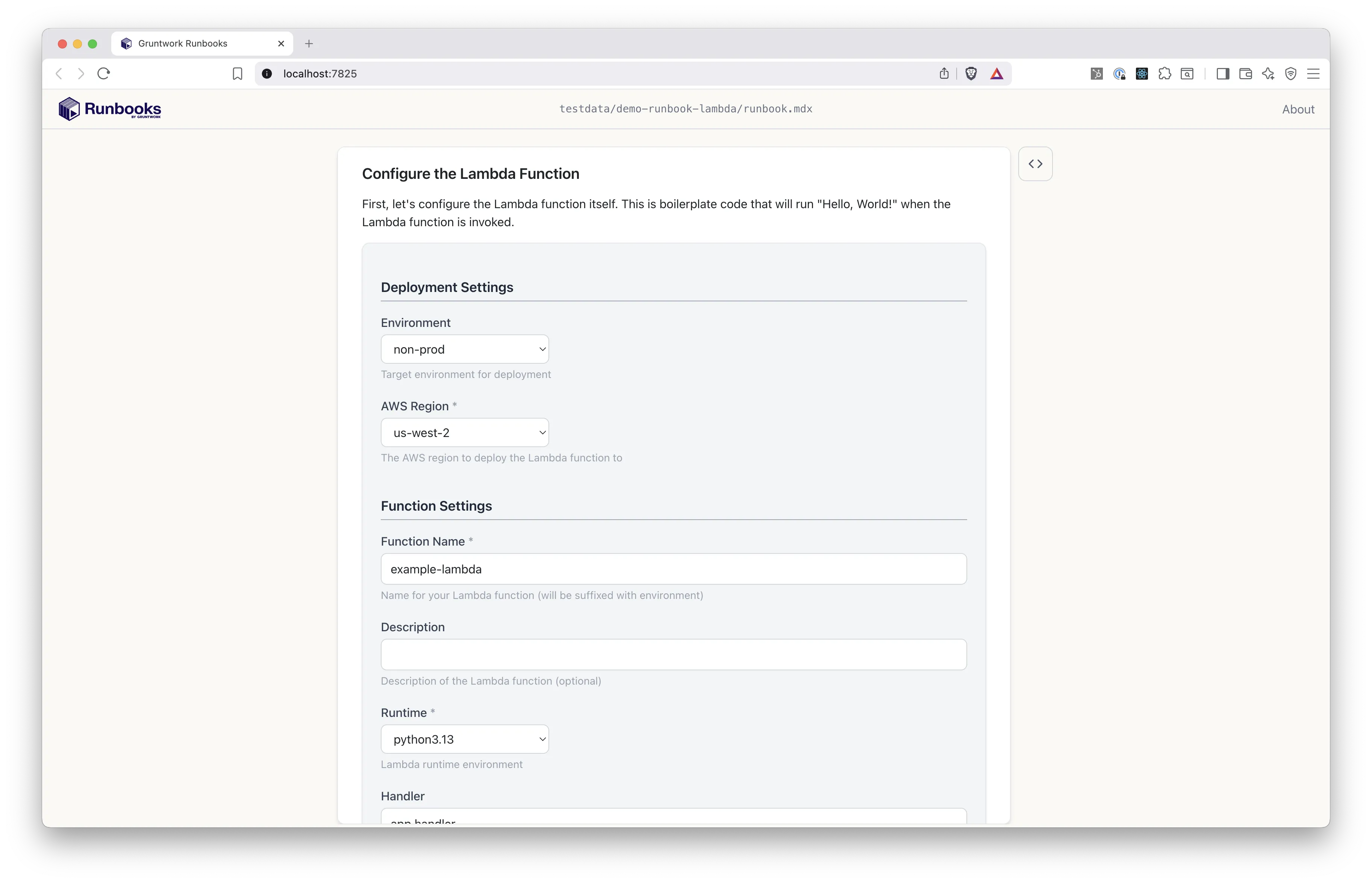
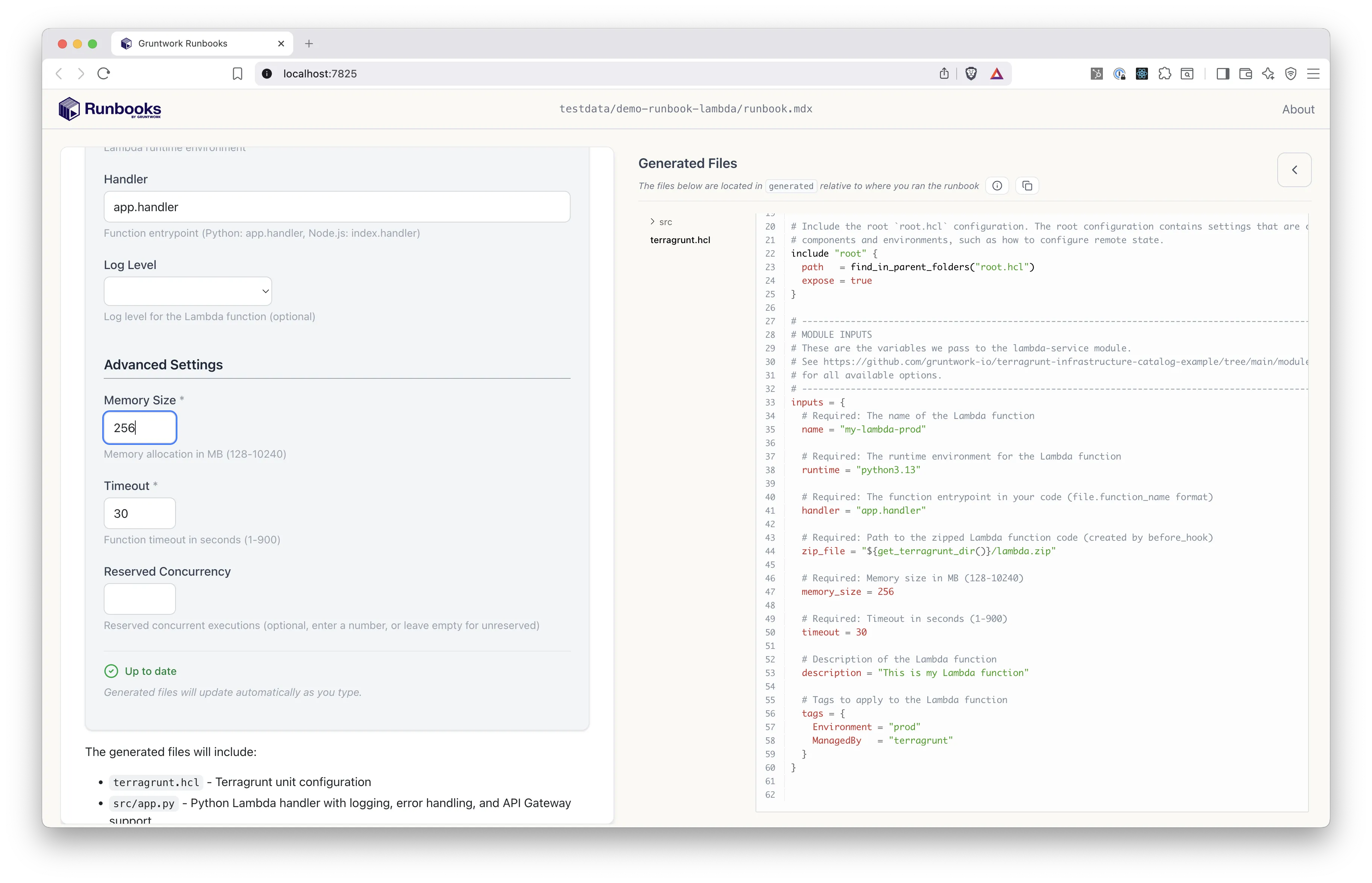
For a full walkthrough of what’s happening here, see the UI tour.
How is a runbook structured?
Section titled “How is a runbook structured?”A typical Runbook directory looks like the file tree below. In this example, the file names are somewhat arbitrary, but the folder structure is conventional.
├── runbook.mdx├── assets/│ └── architecture.jpg├── checks/│ └── preflight_checks.sh├── scripts/│ └── install_mise.sh└── templates/ └── consume_lambda_module/ ├── boilerplate.yml └── terragrunt.hclYou can learn more about how to write a Runbook in the Authoring Runbooks section, but for now, the basic idea is that a runbook.mdx file contains a mix of markdown and interactive blocks. Those blocks optionally reference files in the assets/, checks/, scripts/, and templates/ directories.
How do you open a Runbook?
Section titled “How do you open a Runbook?”Runbook consumers want to apply the expertise of someone else (Runbooks authors), so they consume Runbooks by opening them on their local machine, and using them in their web browser.
To open a Runbook, you can use the runbooks open command:
runbooks open /path/to/runbookNote that for now, you will need to manually download the full Runbook directory (runbook.mdx plus any other files in the checks/, scripts/, and templates/ directories) to your local machine.
To see a Runbook in action, let’s take the UI tour!